
Every bit, accounted for.
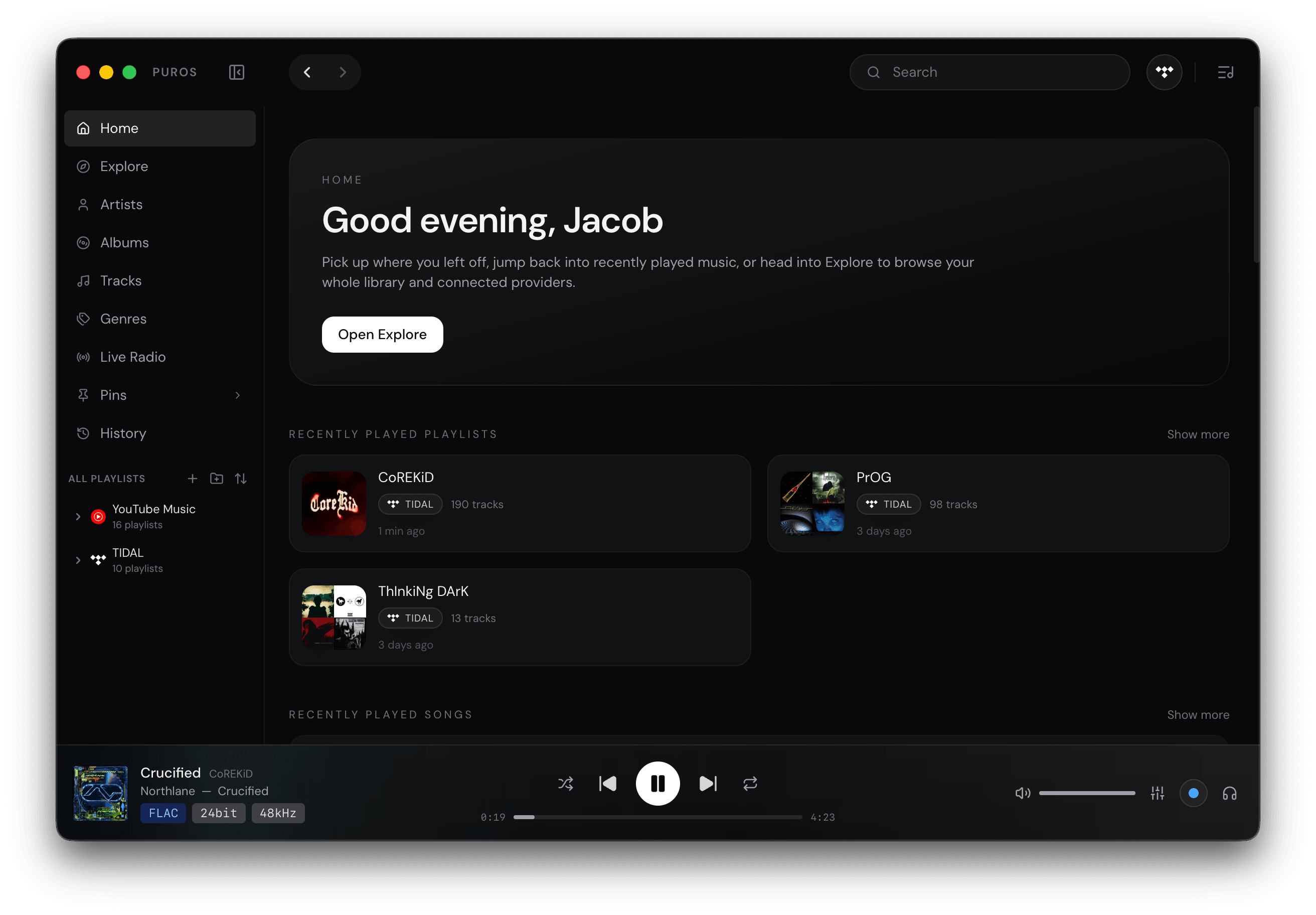
Puros is a macOS music player with a serious audio engine. It takes exclusive control of your DAC, follows every track’s sample rate, and shows you the whole signal path from file to output.
Apple Silicon · macOS 12 or later · Signed and notarized
Audio engine
Built on CoreAudio, not around it.
A native engine talks to your output device directly. When nothing needs to change, nothing does: the file plays at its own rate and depth, bit for bit.
- Exclusive mode
- Hog mode · mixing off
- Puros takes the output device for itself and turns off mixing, so no other app or system sound reaches the stream. When the device offers integer, non-mixable formats, Puros uses them.
- Automatic sample-rate switching
- Follows the source
- The device is reconfigured to each track's own sample rate and bit depth instead of resampling everything to one rate. Consecutive tracks hand off gaplessly.
- DSD over DoP
- DSF · DFF · up to DSD256
- DSD files reach DoP-capable DACs natively. Outputs without DoP get a configurable DSD-to-PCM conversion instead.
- Volume that keeps it bit-perfect
- Hardware or DSP
- Use the device's own volume control and the digital stream stays untouched. DSP volume is there when the device has none, and at full scale it does nothing at all.
- Audio Setup for every device
- Per-device configuration
- See each output's sample rates, bit depths and connection. Cap the bit depth for DACs that over-report it, use the largest or a power-of-two IO buffer, and add a resync delay so S/PDIF, AES and I²S DACs lock before the music starts.
Signal Path
See what happens to the sound.
Open Signal Path from the player and Puros lays out every stage between the file and your DAC, with the format at each step. Bit-perfect playback is labelled as such, and the moment anything changes the samples, you see what changed and why.
Source
FLAC
24-bit · 96 kHz
Decode
Native
24-bit · 96 kHz
DSP Engine
Bypassed
No EQ, no plug-ins
Volume
Device Volume
Samples untouched
Output
Exclusive
24-bit · 96 kHz
Illustration of the in-app panel. It also reports the peak level, clipped samples, dither, the resampling filter and whether the output is exclusive, shared or AirPlay.
DSP & resampling
Processed only when you ask.
Bit-perfect is the default. When you want EQ, room correction or a different output rate, Puros switches to a floating-point path with filters you can actually configure, and tells you it did.
Source-direct
The file, exactly.
The device opens at the file’s own sample rate and bit depth. No resampling, no requantization, no attenuation; set the level with the device’s hardware volume.
Processed
Changes you chose.
The track is decoded to floating point, resampled if needed, run through EQ, plug-ins and room correction, then requantized with dither to the output format.
- Resampling
- SoX (libsoxr), integer-ratio FIR filters or Apple CoreAudio. Linear or minimum phase, apodizing, pass-band and stop-band control, and a separate filter for hi-res sources. Choose the highest rate in the source's family, the lowest rate above it, or a fixed rate.
- Dither and headroom
- TPDF, Gaussian and noise-shaped dither whenever the signal is requantized. Optional headroom keeps inter-sample peaks from clipping, and Signal Path reports the peak and any clipped samples.
- Parametric EQ and AutoEQ
- A parametric EQ with AutoEQ headphone presets, plus crossfeed for headphone listening.
- Room correction
- Convolve the output with your own FIR correction filter for a room or headphones, in 64-bit at the output rate.
- VST and VST3
- Run installed VST and VST3 effects in the chain, with their own editors.
- PCM to DSD
- Optionally modulate everything to DSD with a delta-sigma modulator and send it as DoP, up to DSD256.
- CD de-emphasis
- Early CDs mastered with 50/15 µs pre-emphasis are corrected automatically when the CUE sheet or tags say so.
Library
A library that respects your files.
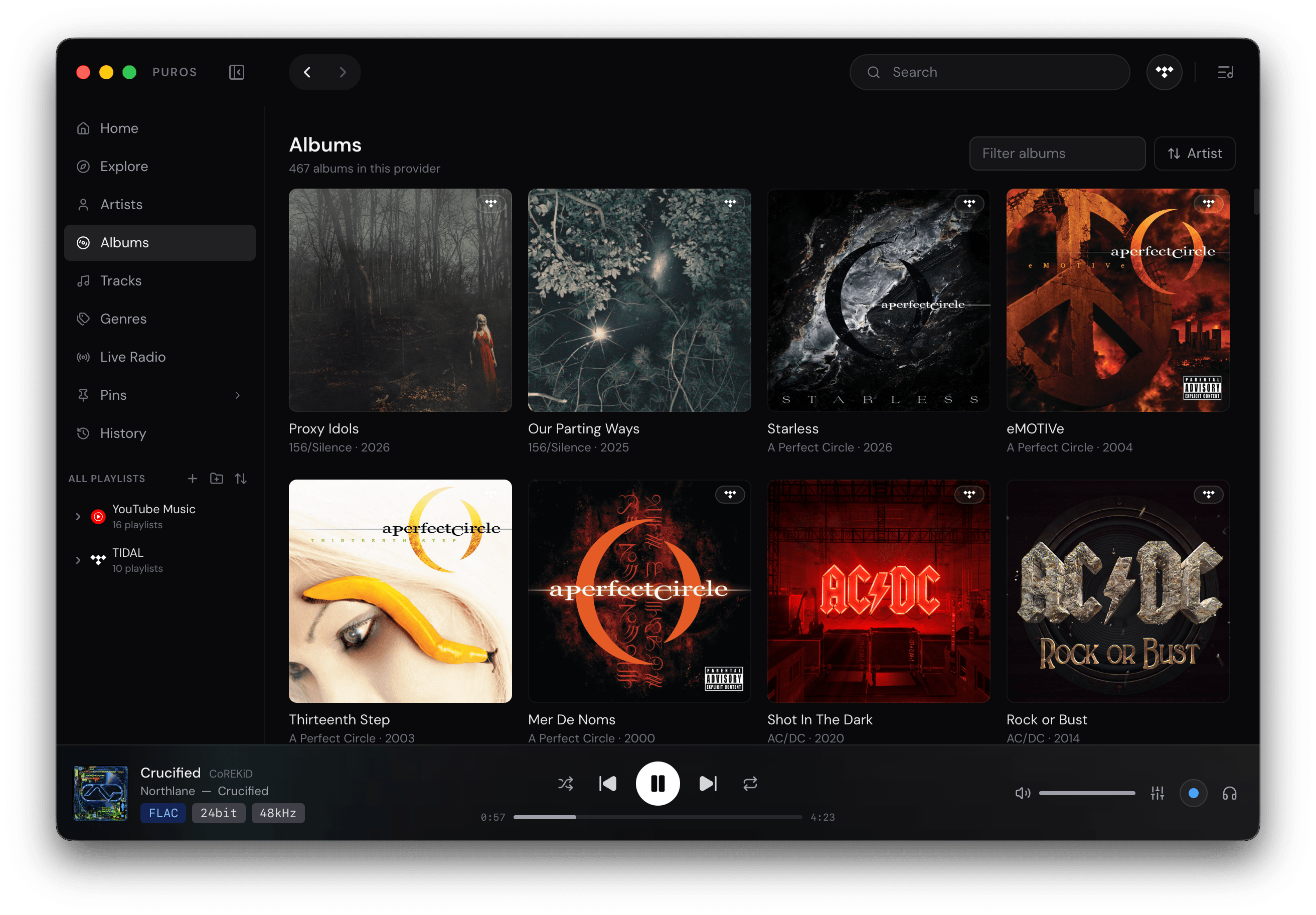
Point Puros at your music folders. It indexes full metadata, keeps your files where they are, and shows the real format of every track.
- FLAC
- ALAC
- AIFF
- WAV
- MP3
- AAC
- DSF
- DFF
- Know what is playing
- Format badges in the player show the codec, bit depth and sample rate, and flag DSD and MQA.
- Browse it your way
- Artists, albums, tracks and genres from full metadata indexing, with M3U playlists, pins and listening history.
- At home on macOS
- Now Playing and media keys, Last.fm scrobbling, Discord Rich Presence and a MilkDrop-style visualizer.
Live radio
Radio, without another app.
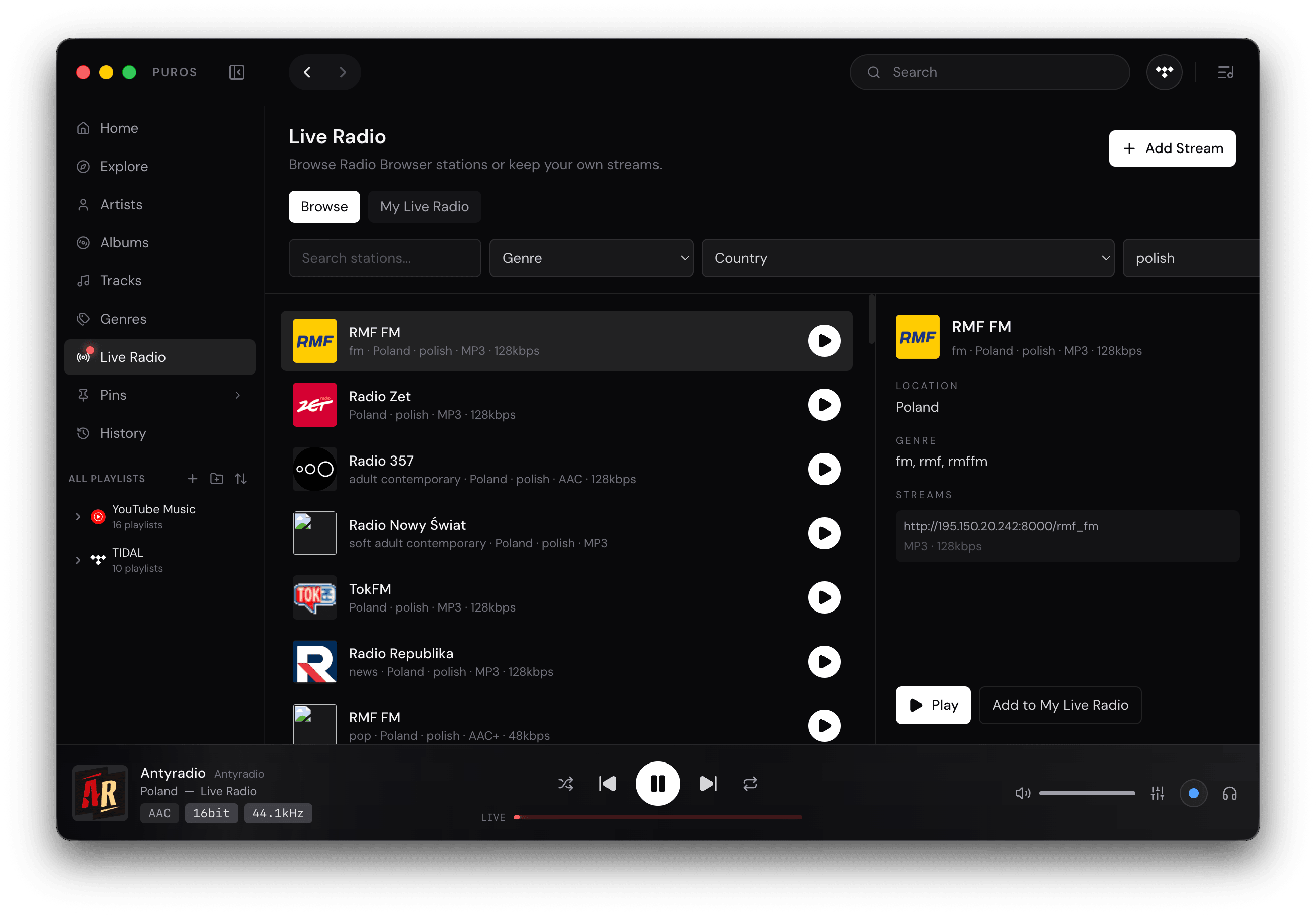
Browse stations from Radio Browser by genre and country, or keep your own streams. They play through the same engine, with the stream’s real codec and bitrate on display.
Extensibility
Open where it makes sense.
Puros is closed source, but its integration layer is not. New sources plug in as providers: separate packages built against a public, MIT-licensed SDK and installed from Settings.
Community providers are third-party software, published by their authors. They are not part of Puros.
# build a provider
npm install --save-dev puros-provider-sdk
npx puros-provider validate
npx puros-provider pack
release/puros-provider-<id>-<version>.zip- The engine stays the engine
- Providers bring a catalog and audio files. Puros keeps the library, queue, decoding, DSP and output, so everything above applies to them too.
- Isolated and explicit
- Each provider runs in its own process. Before installing, you see what it can access: services, stored secrets and helper programs.
- Signed packages
- Packages are reproducible ZIPs, optionally signed by their publisher. Puros pins the key on first install and warns if it ever changes.

Puros Alpha 0.0.1 is out now.
This is an alpha: expect rough edges and missing pieces, and tell us what breaks. Every build is signed with a Developer ID and notarized by Apple.
Apple Silicon · macOS 12 or later